Dream
Streets
Project URL: http://teachersnetwork.org/teachnetnyc/mmeisler/dream_streets.htm
How
it works:
Sixth
grade students use web-based resources to learn the principles of drawing
using one and two point perspective. Students view selected street scenes
by Edward Hopper and postcards of Main Street USA in Disney, then write
about and design their own "dream streets." The project culminates
in an animated drawing of their own “dream street” accompanied by their
writing which is published online.
Standards addressed:
Visual
Arts:
-
Understands and applies media,
techniques, and processes related to the visual arts.
-
Understands what makes various
organizational structures effective (or ineffective) in the communication
of ideas.
-
Chooses
and evaluates a range of subject matter, symbols, and ideas
Language Arts:
- Uses
content, style, and structure (e.g. formal or informal language, genre,
organization) appropriate for specific audiences and purposes (to
entertain, to influence, to inform).
Materials used:
Networked
Macintosh lab with Internet connection, Macromedia Flash, Macromedia
Dream Weaver.
The
students:
This program was created for sixth
grade digital art students at the Institute for Collaborative Education,
a small, diverse, New York City public school for grades six through
twelve. The project was a culmination of a year-long curriculum where
students learned to use the computer as a creative tool for self-expression
and learning the principles of art.
Overall value:
Kids'
sense of “freedom” and "coming of age” is sometimes defined by
their ability (or permission) to go, walk, play on their street by themselves or with friends. As
they approach adolescence they become more aware of the limitations
of their own immediate street or neighborhood. With Dream Streets,
each kid becomes an author, web artist, and architect, imagining and
bringing to virtual live the street of their dreams.
Tips:
Help
the students create their own straightedge tool and triangle by cutting
up used tag board or file folders. Download a free trial of Flash at http://macromedia.com/cfusion/tdrc/index.cfm?product=flash
You
can adjust the length of this unit by decreasing the amount of sites
the students view in sessions 1 – 5.
|
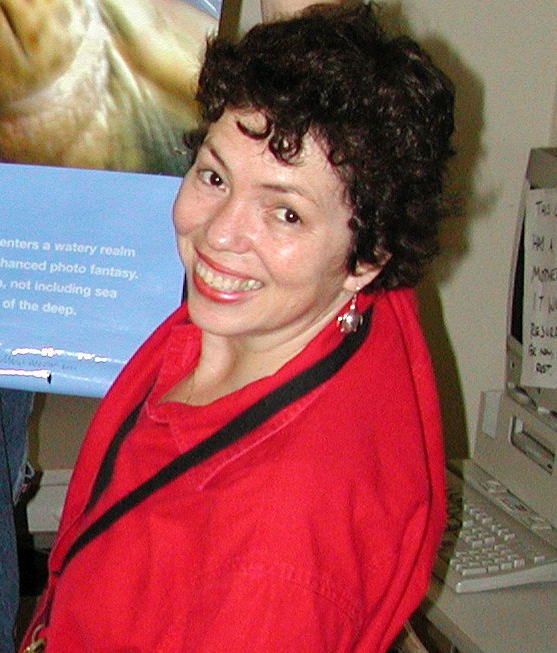
About the teacher:
Meryl
Meisler, Digital Art teacher at the Institute for Collaborative
Education, began teaching in 1979. She has received a Disney American
Teacher Award in visual arts and serves on both the Teachers Network and Art and Science Collaborations (www.asci.org)
Board of Directors. Meryl is an accomplished artist in her own right.
E-mail: merylart@earthlink.net
Subject
Areas:
Visual Arts, Language Arts
Grade
Levels: 6-12
|